
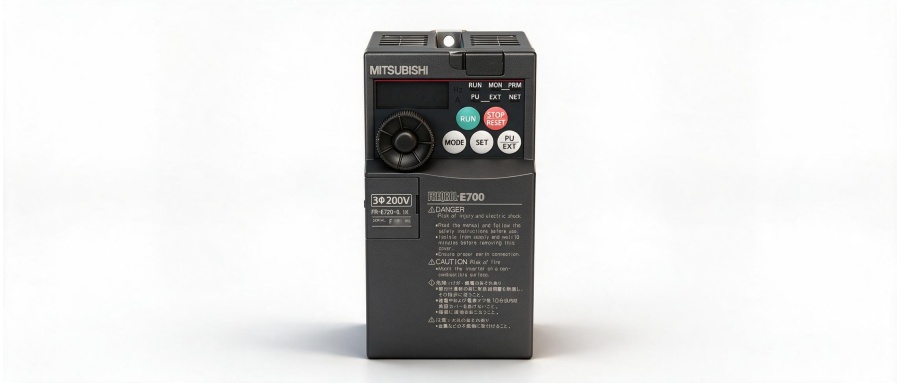
In standard production environments, a VFD currently in use may suddenly fail and require replacement. The new unit must be configured with the exact same parameter settings as the faulty one. Since Mitsubishi VFDs involve numerous parameters—each with a specific range of selectable values—failure to transfer these settings correctly (resulting in improper configuration) can prevent the drive from operating normally. You can simply use the operation panel to copy the parameters directly from the old VFD to the new one. The specific procedure is as follows:
- Power on the old Mitsubishi VFD and select the parameter setting mode.
- Press the Down key twice, then press the SET key to enter the parameter read preparation stage.
- Press and hold the SET key for 1.5 seconds to read the parameters; the display will flash to indicate a successful read.
- Power off the old VFD. Power on the new VFD. Follow steps 1 and 2 to enter the parameter read preparation stage.
- Press the Up key to enter the parameter write preparation stage.
- Press and hold the SET key for 1.5 seconds to write the parameters; the display will flash to indicate a successful write.
- Press the Up key to enter the parameter verification preparation stage.
- Press and hold the SET key for 1.5 seconds; the display will flash while verifying the parameters. If no error message appears, the write was successful.
- Power off the new VFD and replace the operation panel.


